
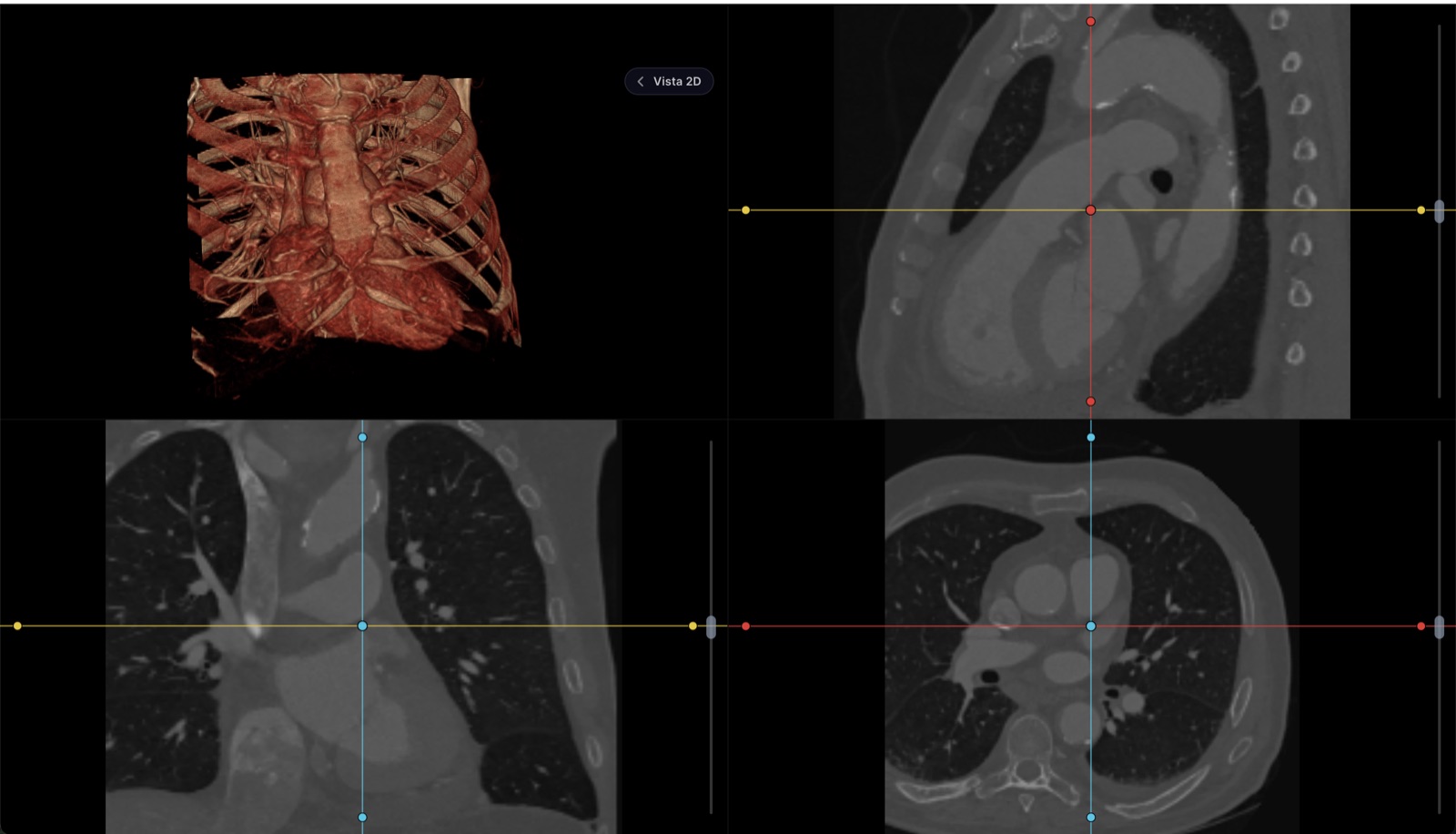
To view it, your study is not uploaded anywhere
The file is read and drawn inside your browser. It doesn't travel to our servers. Neither do your measurements or your report: they live in this tab's memory and vanish when you close it, so they leave no trace even on a shared computer. The only thing that leaves is what you choose to send: if you request the link for your doctor, the study is encrypted on this very device before upload, the key travels inside the link and never reaches us, and the file is deleted when it expires. We do keep a tally of the visit itself — how many files you opened, how much they weighed, how long it took to render and whether anything failed — so we know the viewer is doing its job; never the file names, never anything inside them.
Not for primary diagnostic reading
A formal diagnosis is issued on radiology-calibrated monitors. This tool is for reviewing, measuring, comparing and walking your patient through the study — not a replacement for the reading station.
Free, no account
View any DICOM or NIfTI series, or the PDF that comes on the CD
Window and level, zoom, cine and series comparison
Measurements in real millimeters, angles and annotations
Multiplanar reconstruction (MPR) and 3D view
Write the report and export or print it
Download your own files as a zip
Needs an account
Save the study to a patient's record
File the signed report next to the visit note
Keep measurements and key images across sessions
Receive studies straight from your machines via worklist
Share the study with the patient without burning a CD
Quick answer
The real case: the computer that won’t let you install anything
Anyone who works in a hospital knows it: the computer in the consulting room or at the nurses’ station is managed by IT, refuses to install programs, and every downloaded .exe triggers a warning or is simply blocked. The patient brings their CD, the viewer on the disc asks for administrator rights you don’t have, and the study goes unseen.
The way out is not to fight IT — they have their reasons: an old, unsigned executable is exactly what a hospital network does not want. The way out is for the viewer not to be installed at all: the browser is already on the machine, it already passed IT’s screening, and it can read DICOM. Open this page, drag in the study folder and review it; when you close the tab, the computer is exactly as it was. If your problem starts with the physical disc — what is on it, what to do without a CD drive — the step-by-step is in how to open the CD of a CT scan.
Step by step on Windows
Copy the study to the computer
From the CD or the USB stick the patient brought, copy the whole folder — it is usually called DICOM or IMAGES — to a local folder. You don’t need the program that comes on the disc; the images are complete without it.
Open this page in Edge, Chrome or Firefox
Nothing to download and no administrator rights. It works with the browser the computer already has, as long as it is reasonably up to date.
Drag the whole folder onto the viewer
Click “Open my study” or drag the entire folder onto the dotted area; there is also an “Open a folder” button. The viewer separates the series, sorts the slices by their real position and builds the volume on your own computer. It accepts DICOM with or without an extension, whole folders, ZIP, RAR, 7z and TAR archives, the CD copied as an .iso, NIfTI (.nii, .nii.gz) and loose JPG or PNG images, and opens the report PDF next to the images.
Review with real tools
Window and level with tissue presets — lung, bone, brain, abdomen — length and angle measurements in real millimeters, cine, multiplanar reconstruction in all three planes and a 3D view.
Export before closing the tab
Everything lives in the tab’s memory: close it and nothing remains on the computer — which is the whole point on a shared machine. If you wrote a report, export or print it before leaving.
RadiAnt, MicroDicom, Weasis and this viewer
Desktop DICOM viewers for Windows are not bad tools — several are excellent. The honest comparison is about friction and licensing, not about taking sides:
| Viewer | License and cost | Installation | When it makes sense |
|---|---|---|---|
| This page | Free, no account | None: runs in Edge, Chrome or Firefox | Viewing a study right now, even on computers where you can’t install anything |
| RadiAnt | Time-limited free trial; paid license afterwards | .exe installer | Someone who wants a fast desktop viewer and is willing to pay for the license |
| MicroDicom | Free only for personal, non-commercial use; paid license for a practice | .exe installer | Personal use on your own computer |
| Weasis | Free and open source (EPL license), commercial use included | Installer; cross-platform | Practices that want an installed program without paying for a license |
The honest rule: if you review heavy studies every day, on the same computer and sometimes offline, an installed viewer pays off — pick one whose license matches your use. For the patient’s CD in the middle of a visit, the locked-down hospital computer or the study someone sent you as a link, the installation is the obstacle, and the browser removes it. What any serious viewer — installed or not — has to do is covered in free online DICOM viewer.
When the study has to stay on file
This viewer stores nothing, on purpose: everything lives in the tab and dies with it. If you are a physician and the study belongs to your patient, the next step is for it to live in their record — the comparison against the prior study, the report next to the visit note, access from any computer without depending on a folder on the desktop. That same viewer is built into the Healthy Record electronic health record on every plan, starting with a free tier; the details are on the pricing page (in Spanish — the product serves clinics in Mexico).
Frequently asked questions
Can I use it on the hospital computer, where I don’t have administrator rights?
Yes — that is exactly the case it is built for. On many hospital and clinic computers, IT blocks the installation of programs, and a desktop viewer simply cannot go on them. This viewer runs inside the browser the machine already has: no .exe is downloaded, no elevation is requested and nothing is left installed. Open the page, drag in the study folder and review it; when you close the tab, nothing remains on the computer.
Is RadiAnt free?
Not permanently. RadiAnt is a very polished, fast desktop viewer for Windows, but it installs from an .exe and its model is a time-limited free trial: once the trial ends you have to buy a license. If you want an installed viewer and are willing to pay for it, it is a serious option; if what you need is to view a study today without installing or paying anything, the viewer on this page does it in the browser.
Can I use MicroDicom for free in my practice?
No: MicroDicom is free only for personal, non-commercial use. Using it in a medical practice or in any commercial setting requires a paid license. If you want an installed desktop program that is free for commercial use as well, Weasis is open source (EPL license) and runs on Windows, Mac and Linux. And to review studies without installing anything, the viewer on this page is free regardless of how you use it.
Does it work offline?
You need a connection to load the page; once the viewer is open, the study is read and processed inside your browser, on your own computer. If your daily routine is reviewing heavy studies with no connection — in areas without stable internet, for example — that is where an installed program like Weasis, which is free and open source, makes sense. For every other case, the browser spares you the download, the installation and the permissions.